
Gemini 3.5 Transcribe: Google's New Speech-to-Text Model That Actually Cleans Up After You
Google shipped a transcription model that removes filler words, handles self-corrections, and streams with sub-second latency. Here's what it means for developers.
As a dedicated DevOps Engineer, I've immersed myself in the dynamic world of DevOps, sharing my insights through blogs to support the community. I aim to simplify complex processes, empowering both beginners and experts to navigate DevOps with confidence and ease, fostering collective growth in this ever-evolving field.
Google dropped Gemini 3.5 Transcribe this week. It's a speech-to-text model, but the interesting part isn't just the transcription itself. It's that the output comes back clean. Punctuated, structured, filler words gone. If you've ever built post-processing pipelines to clean up raw transcription output, you know how much glue code that eliminates.
I've been watching this space because voice interfaces are creeping into everything. Like Incident response bots, hands-free ops workflows, meeting summarizers. The quality of the transcription layer determines whether those tools are useful or just annoying. So let's look at what 3.5 Transcribe actually brings.
What Makes It Different
Most speech-to-text models give you a raw dump. You say "let's deploy to staging: no wait, production" and you get exactly that text. Then you need another layer to figure out the speaker corrected themselves and meant production.
Gemini 3.5 Transcribe handles that natively. It calls this "smart transcription". It processes self-corrections inline, strips filler words (the "ums" and "ahs"), and auto-formats the output. The model understands intent, not just sound.
Here's what that means in practice:
| Feature | What it does |
|---|---|
| Self-correction handling | "Tuesday... no, Wednesday" → outputs "Wednesday" |
| Filler removal | Strips "um", "uh", "like" automatically |
| Auto-formatting | Adds punctuation, capitalization, structure |
| Custom vocabulary | Feeds in your jargon: product names, internal terms |
| Multi-speaker ID | Labels who said what (up to 3 speakers, 3+ experimental) |
That custom vocabulary piece is huge for technical teams. If your product is called "Kestra" or your internal tool is "DeployBot," standard models butcher those names. You pass a vocabulary list and 3.5 Transcribe adapts.
Two APIs, Two Use Cases
Google split this into two access patterns:
Real-time streaming via the Live API (gemini-3.5-transcribe-live). Bidirectional streaming, sub-second latency. This is your voice agent, your live captioning tool, your real-time assistant.
Pre-recorded processing via the Interactions API (gemini-3.5-transcribe). Takes recorded audio meetings, call logs, podcasts and returns transcription with speaker attribution and word-level timestamps.
The split makes sense. Real-time has different constraints (latency over perfect accuracy), while batch processing can take more time for better precision. The numbers back this up: 4.0% Word Error Rate for streaming, 2.6% for non-streaming.
The Numbers That Matter
Compared to Google's previous model (Chirp 3), the improvement is significant:
70% faster time-to-final-transcription
4.0% WER streaming (industry-leading territory)
2.6% WER non-streaming
85+ languages with automatic detection
5.04% WER on the FLEURS multilingual benchmark (non-streaming)
For context, a 4% word error rate means roughly 1 word wrong per 25 words. In a typical 30-minute meeting transcript, that's the difference between usable output and something that needs manual review.
Where This Gets Interesting for Builders
The function calling capability caught my attention. The model can delegate tasks to other Gemini models mid-transcription. You're dictating and say, "generate an image of the architecture diagram I just described"; it routes that to an image model while continuing to transcribe.
Right now this works in the Gemini macOS app, but the pattern is available via the API. Think about what that enables for voice-driven development workflows:
Dictate infrastructure changes and have them translated to Terraform
Voice-describe an incident and auto-generate a postmortem template
Talk through a code review and get structured comments posted to the PR
These aren't hypotheticals. With sub-second latency and clean transcription, the gap between "speak" and "useful structured output" is small enough to be practical.
How to Start Using It
It's in public preview in Google AI Studio and the Gemini Enterprise Agent Platform. The quick start:
# Real-time streaming example (Live API)
from google import genai

client = genai.Client(api_key="YOUR_API_KEY")

# For streaming/real-time use cases
session = client.live.connect(model="gemini-3.5-transcribe-live")

# For pre-recorded audio
response = client.interactions.create(
    model="gemini-3.5-transcribe",
    input=audio_file,
)
The model also integrates with platforms like LiveKit, Pipecat, LangChain, and Vercel. So if you're already building on those, you get 3.5 Transcribe as a drop-in upgrade to your audio pipeline.
My Take
The real shift here isn't accuracy improvements (though those help). It's that the model does post-processing that used to require separate pipelines. Filler removal, disfluency handling, formatting, speaker labels. That was all downstream code you had to build and maintain. Now it's baked into the model output.
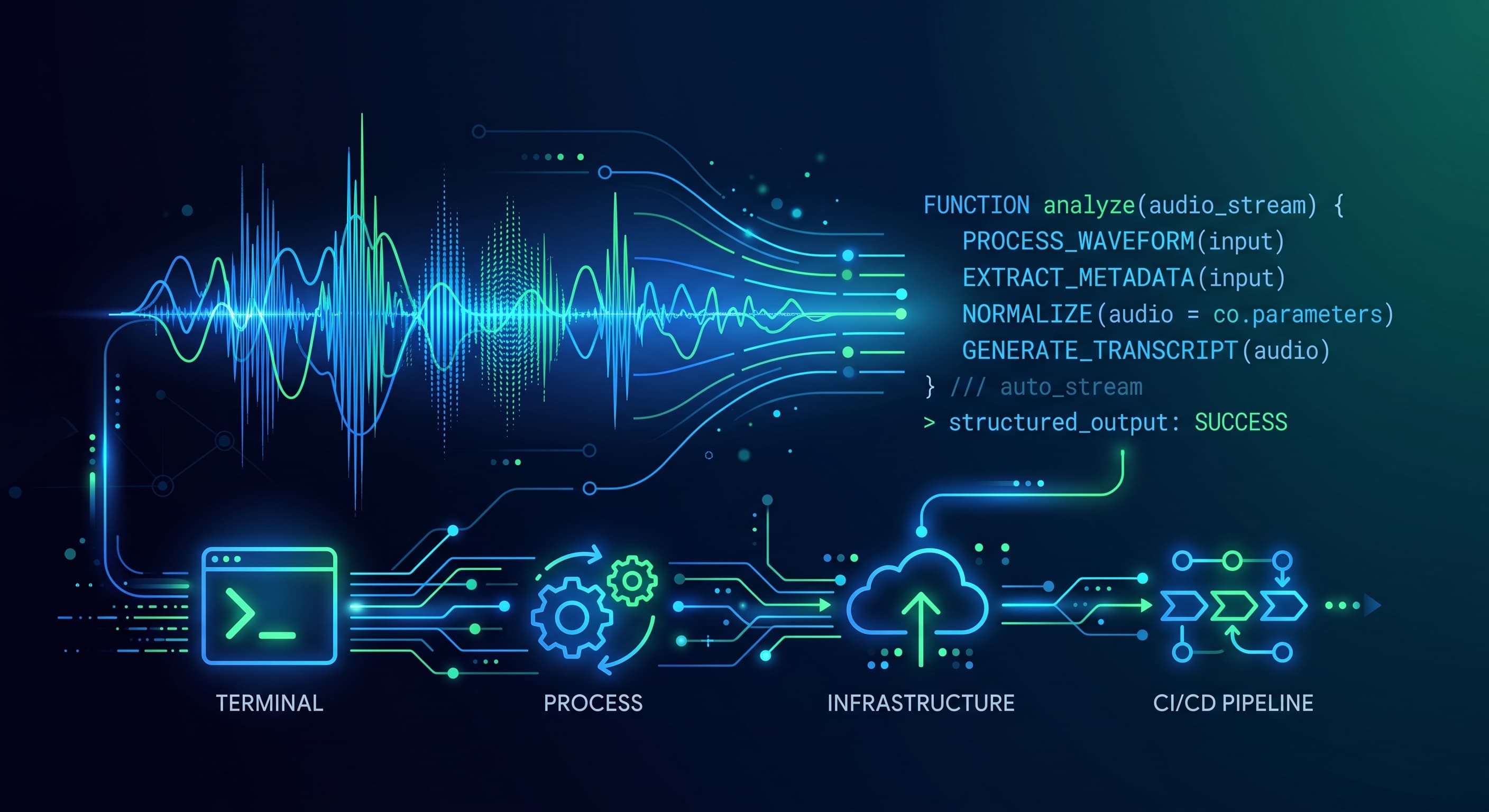
For teams building voice-enabled tools, this cuts the stack in half. You go from "raw audio → ASR model → cleanup pipeline → formatting → output" to "raw audio → 3.5 Transcribe → output." Fewer moving parts, fewer failure modes.
The 85-language auto-detection is also worth noting if you're building anything international. No language selection dropdown, no pre-routing logic. Just send audio, get transcription in whatever language was spoken.
Summary
Gemini 3.5 Transcribe is Google's new speech-to-text model with built-in smart formatting and filler removal
Two APIs: real-time streaming (sub-second latency) and batch processing (higher accuracy)
70% faster than Chirp 3, with 4.0% / 2.6% WER for streaming / non-streaming
Custom vocabulary support means it handles your weird internal product names
Function calling lets the model delegate tasks to other models mid-transcription
Available now in public preview via Google AI Studio
What's Next
If you're building voice interfaces or processing audio at scale, this is worth testing against your current pipeline. The API is in preview good time to benchmark it against whatever you're running now (Whisper, Chirp 3, AWS Transcribe) and see if the built-in cleanup eliminates enough downstream code to justify the switch.